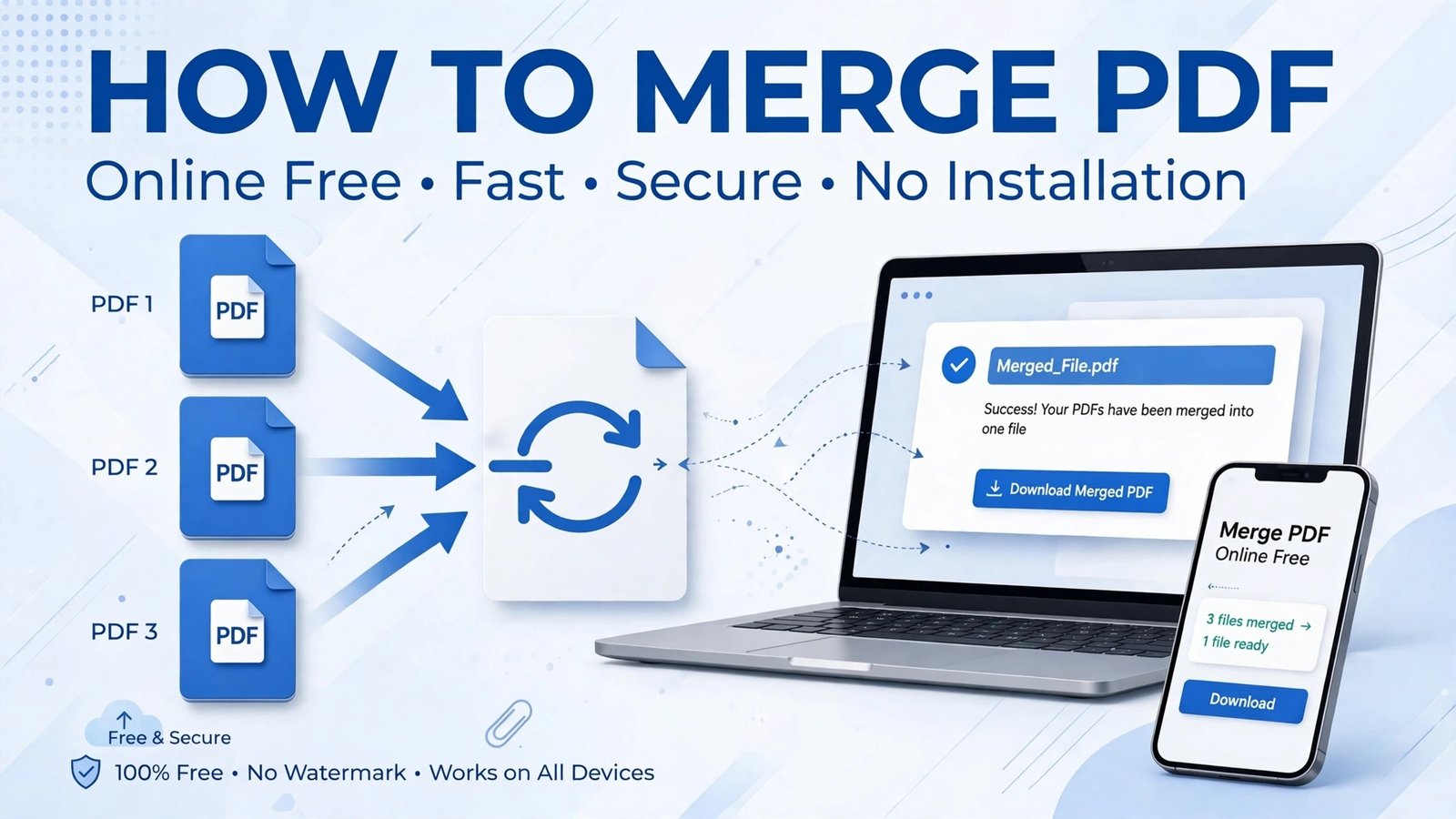
How to Merge PDF Files Online Free
Do you have different PDF files and you want to combine them into one single PDF? Like CV + Certificate, or a 10-page assignment?
With PDFKick’s Merge PDF tool, you can do this in just 10 seconds, completely FREE. No app to download, no sign-up needed.
What is Merge PDF?
Merge PDF means combining 2 or more PDF files into one single PDF file. You can also set the order yourself.
For example:
Your CV (Page 1) + Your Certificates (Page 2-3) = One Complete PDF
How to Merge PDF? – 3 Easy Steps
Step 1: Select Your Files
Go to pdfkick.com, open the Merge PDF tool and click on Select Files.
Step 2: Set The Order
Arrange the files in the order you want them. The first file will appear first in the final PDF. You can drag and drop to reorder.
Step 3: Merge & Download
Click on Merge & Download. Your merged PDF will be downloaded instantly. Done!
Where Is Merge PDF Useful?
For a Job: Combine CV + Certificates into one PDF
For Students: Combine Assignment + Notes into one file
For Bank Work: Combine ID + Proof into one PDF
For Office: Combine Invoice + Report into one PDF
Why Is PDFKick Merge PDF The Best?
100% FREE & Unlimited: Merge as many files as you want
No Watermark: Your final PDF stays clean and professional
100% Safe: Files are processed in your browser, not saved on our server
Works on Mobile: Works perfectly on Android, iPhone, and PC
FAQs
Is Merge PDF free?
Yes, it is completely free and unlimited.
How many files can I merge?
As many as you want. There is no limit.
Is my file safe?
Yes. Your file is not uploaded to a server, it is merged directly in your browser.
Try It Now
Don’t waste time with heavy software.
[Merge PDF Now – Free ->]
Leave a Reply