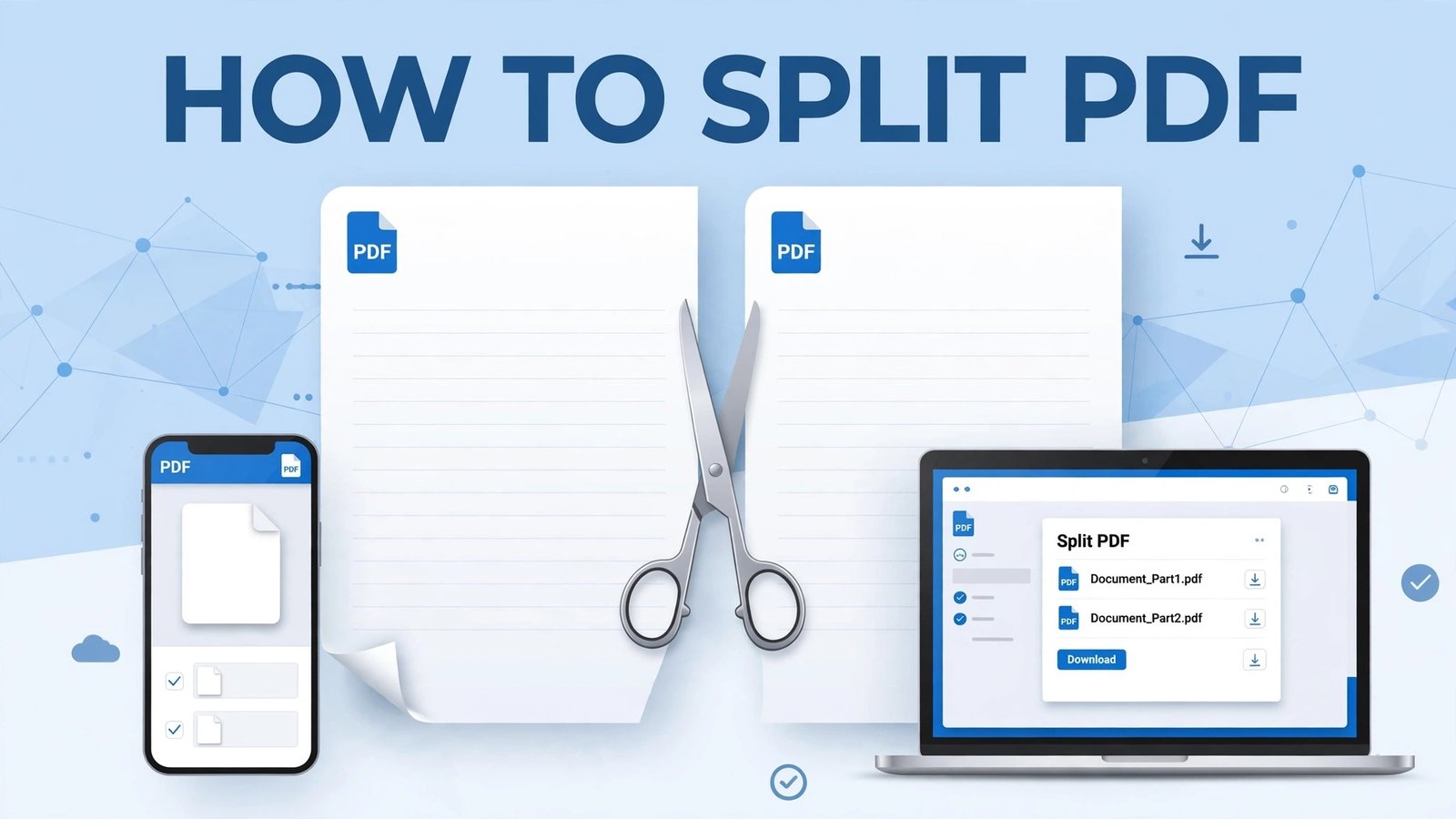
How to Split PDF Files for Free (Without Losing Quality)
Do you have a big PDF file and you only need 1 or 2 pages from it? Maybe it’s a 100-page ebook, a bank statement, or a school assignment, and you want to send only page 5 to someone.
You don’t need to download any heavy software. You can split it in 10 seconds for free.
In this guide, we will show you the easiest way to split a PDF on mobile, PC, and iPhone.
What Does “Split PDF” Mean?
Split PDF means to divide one big PDF file into smaller separate PDF files.
For example:
- A 20-page PDF -> Page 1-5 as one file, Page 6-20 as another file
- Or extract only Page 3 as a new PDF
It is super useful for students, office workers, and freelancers.
How to Split PDF on PDFKick (Free Method)
This is the fastest way. No signup, no watermark.
Step 1: Go to PDFKick.com and open the Split PDF tool.
Step 2: Upload your PDF file. Just drag and drop it.
Step 3: Choose how you want to split:
- Split by Range: e.g. 1-5, 6-10
- Extract Pages: e.g. Only Page 2, 7, 9
- Split Every Page: Make every page a separate PDF
Step 4: Click Split PDF and download your new files. Done!
Your files are 100% safe. They are automatically deleted from our server after processing.
How to Split PDF on Mobile (Android / iPhone)
Most people do this on mobile. Here is how:
- Open Chrome / Safari on your phone
- Go to http://PDFKick.com > Split PDF
- Select the PDF from your Files / Google Drive
- Select the pages you want
- Download the new PDF
No app needed. It works directly in your browser.
How to Split PDF on PC (Windows / Mac)
You can also do it without Adobe Acrobat.
Just open http://PDFKick.com in Chrome on your PC, upload the file, and split it. Acrobat charges $15/month for this, PDFKick does it free.
Why Use PDFKick to Split PDF?
- 100% Free: No limit, no hidden charges
- No Watermark: Your PDF stays clean
- No Signup: No email needed
- Fast & Secure: Files deleted automatically
- Works Everywhere: Mobile, PC, Tablet
Frequently Asked Questions
Q: Can I split a PDF for free?
Yes, PDFKick Split PDF tool is completely free.
Q: Will my PDF lose quality after splitting?
No. Splitting does not change the quality. Text, images, and formatting stay 100% same.
Q: Is it safe to upload my PDF?
Yes. Your files are encrypted and deleted automatically after 1 hour.
Q: Can I split a password-protected PDF?
You will need to unlock it first using our Unlock PDF tool, then split it.
Final Words
Splitting a PDF should not be complicated. Next time you need only a few pages from a big PDF, don’t send the whole file.
Just go to [PDFKick Split PDF Tool] and split it in seconds.
Try it now: Split Your PDF Free ->
Want me to make one more version for tomorrow? Like “Merge PDF” or “PDF to Word”?
Leave a Reply