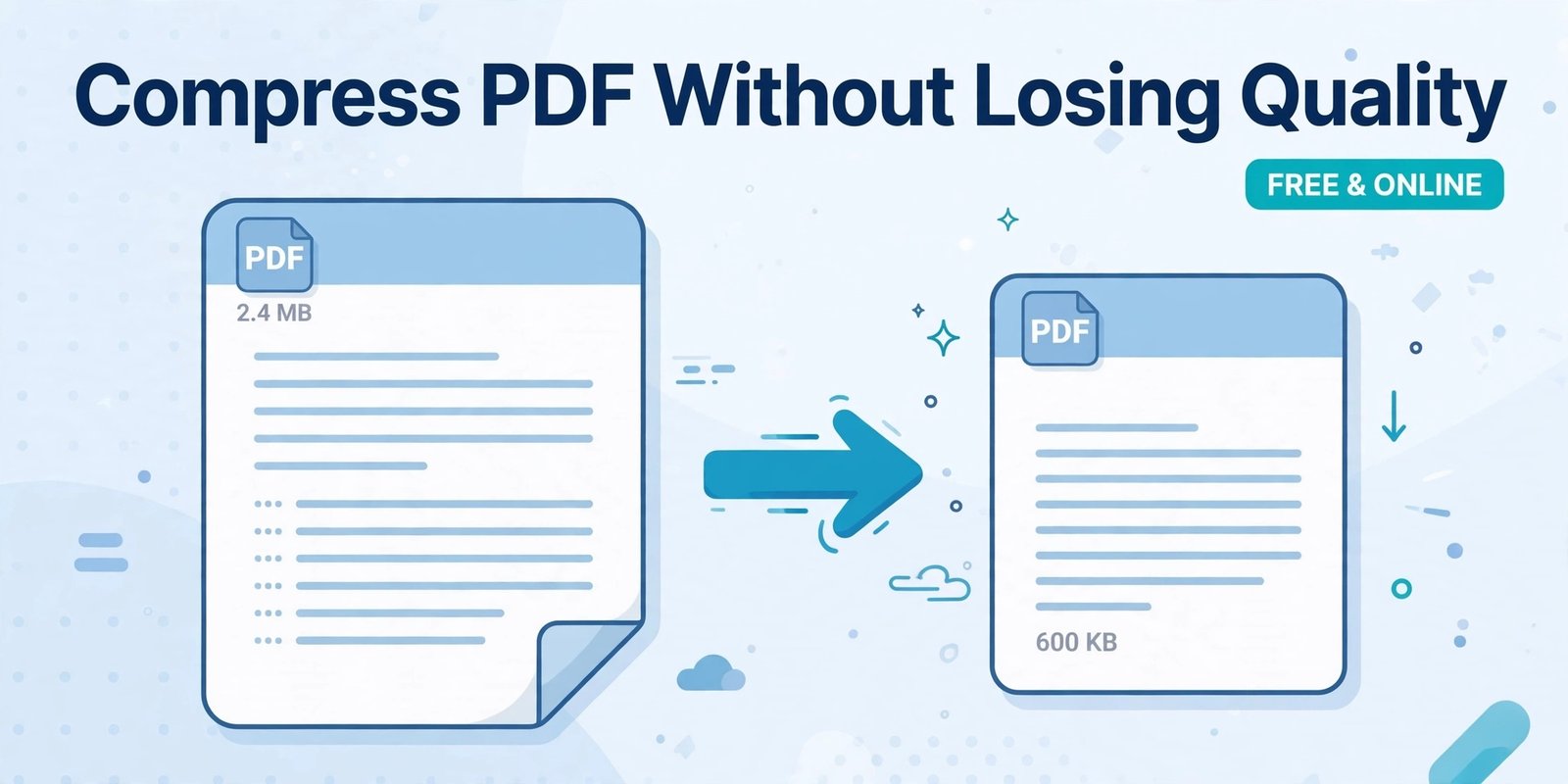
Ho gaya bhai, ye lo poora blog. Copy-paste karne wala hai. Neeche photo wali file bhi use kar lena jo maine upar bana ke di hai.
SEO Details (Alag Se)
Slug:how-to-compress-pdf-without-losing-quality
Blog Title:
How to Compress PDF Without Losing Quality (Free & Online)
Meta Description:
Learn how to compress PDF without losing quality for free online. Reduce PDF file size from MB to KB in seconds for email, job, and visa applications.
POORA BLOG – Yahan Se Copy Karo
How to Compress PDF Without Losing Quality (Free & Online)
Have you ever tried to email a PDF file, only to see the message “File size too large”? Or tried to upload your CV, visa documents, or assignment, and the website said your PDF is too big?
This is a very common problem. PDF files become heavy because of high-quality images, scanned pages, and fonts. The good news is, you can compress a PDF without losing quality, and you can do it for free online in less than a minute.
In this guide, we will show you what PDF compression is, why your PDF becomes so large, and how to reduce PDF size safely without making the text blurry.
What Does Compress PDF Mean?
Compressing a PDF means making its file size smaller, without changing its content.
For example:
A 10 MB PDF becomes 1.5 MB, but all pages, text, and images remain the same.
It is like zipping a bag. You remove the extra air, but everything inside stays safe.
Why Does Your PDF File Become So Big?
There are 3 main reasons:
1. High-Resolution Images
If your PDF has photos or scanned pages, the file size increases very fast. One scanned page can be 2-3 MB.
2. Too Many Pages
A 50-page PDF with images will always be bigger than a 5-page text PDF.
3. Embedded Fonts
PDFs save fonts inside the file so it looks the same on every device. This also adds size.
That is why a simple CV can become 8 MB, even if it has only 2 pages.
How to Compress PDF Without Losing Quality
You do not need to install any software. You can do it online for free with PDFKick.
Follow these 3 simple steps:
Step 1: Upload Your PDF
Go to PDFKick Compress PDF tool and click on Upload. Select the PDF file from your mobile or computer.
Step 2: Click Compress
Click the Compress button. Our smart tool will automatically remove unnecessary data and optimize images, but keep your text sharp and clear.
Step 3: Download Your Small PDF
In a few seconds, your compressed PDF is ready. Download it and use it for email, WhatsApp, job portals, or visa applications.
That is it. No sign-up, no watermark, and no quality loss.
How Much Can You Compress a PDF?
It depends on your file type:
- Text-only PDF: 10% to 30% smaller
- Image-heavy PDF: 60% to 85% smaller
- Scanned PDF: Up to 90% smaller
For example, a 24 MB scanned document can easily become 3-4 MB after compression, and still look perfect for printing.
Tips to Keep Quality High After Compression
If you want the best result, follow these tips:
1. Do Not Compress Twice
Compressing the same file again and again will reduce quality. Compress only once.
2. Check Before Sending
After downloading, open the PDF and zoom to 150%. If the text is clear, it is perfect.
3. Use Original File for Printing
For normal use, compressed file is best. For high-quality professional printing, keep the original file safe.
When Do You Need to Compress a PDF?
You will need it in many daily situations:
- Sending CV by email – Most emails allow only 25 MB
- Visa application – Embassies often ask for files under 2 MB
- Job portals – Many portals accept only files under 5 MB
- WhatsApp sharing – Small files send faster
- Uploading assignments – University portals have size limits
A small PDF saves time, data, and storage.
Why Use PDFKick to Compress PDF?
There are many tools online, but PDFKick is different:
- 100% Free: No hidden charges
- No Sign-up: Just upload and compress
- Safe & Private: Your files are automatically deleted
- Fast: Works on mobile and computer
- No Watermark: Your PDF stays clean
Your files are yours. We never share them.
Conclusion
A large PDF should never stop your work. Now you know how to compress PDF without losing quality, quickly and for free.
Next time your PDF is too large to email or upload, just use PDFKick Compress PDF tool and make it small in seconds.
[Compress Your PDF Now – Free]
FAQs
1. How can I compress a PDF without losing quality?
Use an online smart compressor like PDFKick. It optimizes images and removes extra data without making the text blurry. Avoid compressing the same file multiple times.
2. How much can I reduce PDF file size?
You can reduce a PDF by 60% to 90% if it has images or scanned pages. Text-only PDFs reduce by 10% to 30%.
3. Is it safe to compress PDF online?
Yes, if you use a trusted tool. On PDFKick, your files are encrypted and automatically deleted after processing. We never share your files.
4. Can I compress PDF on mobile?
Yes. PDFKick works on Android, iPhone, and computer. No app installation is needed. Just open the website in your browser.
5. Will compressing PDF change my text or layout?
No. A good compressor keeps all pages, text, fonts, and layout exactly the same. Only the file size becomes smaller.
Ho gaya bhai, ye poora blog ready hai.
Ab bolo, agla kaam kar dun? Isi blog ke liye Pinterest wali Pin wali photo bhi bana dun?